
How to update Cost per item in Shopify from a supplier price list
Your supplier sent a new price list. Here is how to get those costs into Shopify's Cost per item field without editing products one by one, and the traps of each method.
Shopify stores one purchase cost per variant, in the Cost per item field. It drives the profit figures in Shopify's reports and any margin you calculate. When a supplier raises prices and that field isn't updated, your reports keep showing the old margin, and you find out on the invoice.
Method 1: the bulk editor (small catalogues)
- In Shopify admin, go to Products and select the products from that supplier (filter by Vendor).
- Click Bulk edit, then add the Cost per item column with the column picker.
- Type each new cost from the supplier's list and save.
This works for a few dozen variants. Beyond that it is slow and error-prone: you are matching lines by eye between two windows, and nothing tells you which lines you skipped.
Method 2: export and re-import the product CSV
- Export your products from Products → Export (CSV for Excel or Numbers).
- In a spreadsheet, look up each variant's SKU in the supplier file (XLOOKUP or VLOOKUP) and write the result into the Cost per item column.
- Re-import the file with "Overwrite products with matching handles" ticked.
The catch: Shopify's product import matches on the product Handle, not on SKU or barcode. Your supplier's file has neither handles nor your column layout, so the lookup work is yours, every time. Overwriting also rewrites every column in the file, so a stale export can overwrite changes made since you exported it.
Method 3: an app that reads the supplier file as it is
MarginSentry was built for this exact job. You upload the supplier's CSV or Excel file without reformatting it, tell it once which columns hold the reference and the cost, and it does the rest:
- Matches each line to your variants by SKU, barcode or the supplier's own reference, and lists unmatched lines separately.
- Shows old cost, new cost, and margin before and after for every variant, so you see the impact before anything changes.
- Converts currency when the supplier invoices in a different currency from your store.
- Writes the new costs to Shopify only when you confirm, reads every value back to check it landed, and can undo the whole batch in one click.
- Optionally updates selling prices in the same pass, with a target margin and a rounding rule.
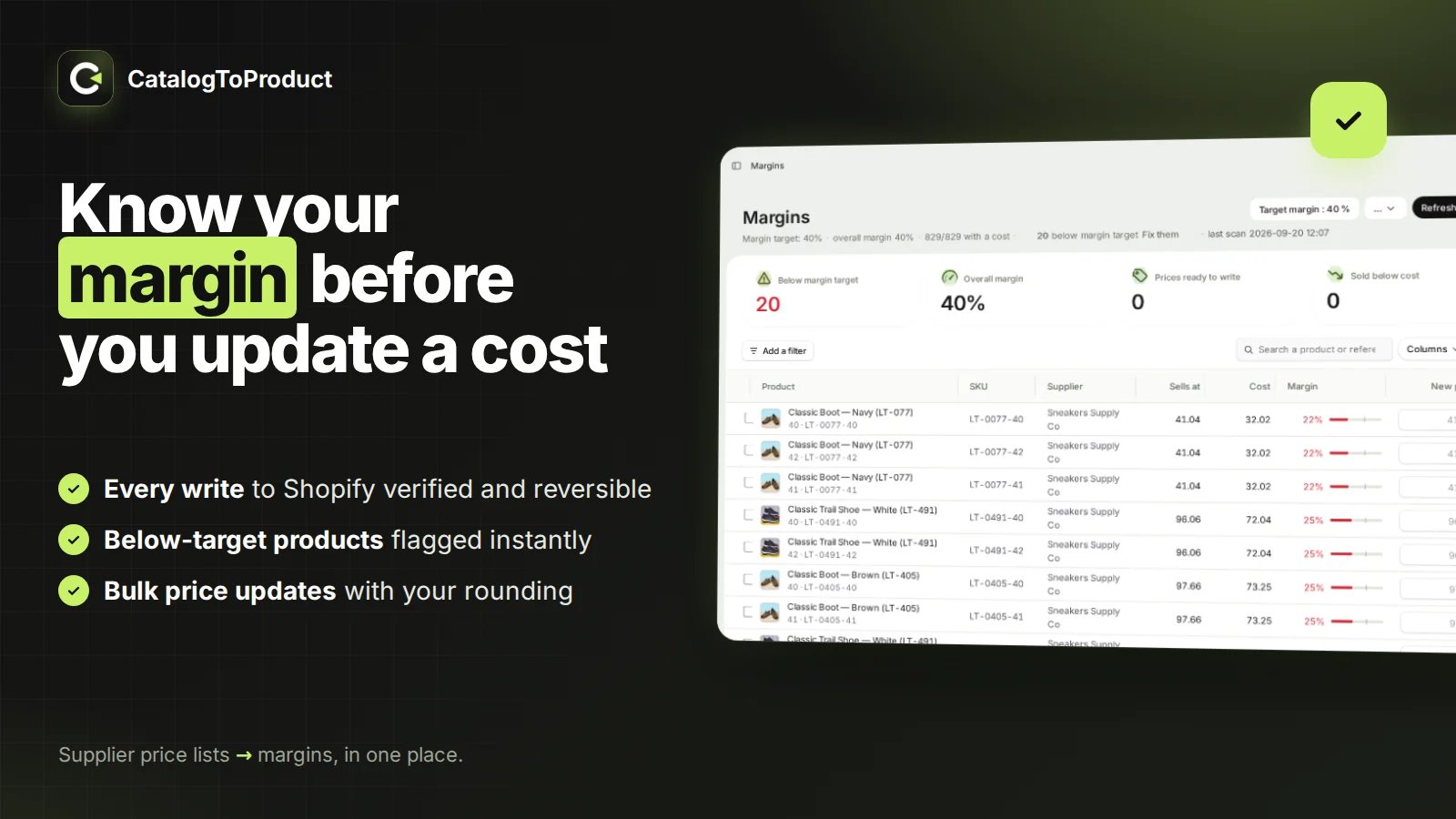
The free plan handles one supplier and 100 rows per import, which is enough to test it on a single brand.
Which method should you use?
- Under 30 variants, once a year: the bulk editor is fine.
- One supplier, comfortable with spreadsheets: the product CSV works if you re-export right before importing.
- Several suppliers, regular price lists, or files with thousands of lines: use an app that matches by SKU or barcode and shows the margin impact first.
Questions
Can Shopify import costs matched by SKU?
Not with the standard product CSV import, which matches on the product handle. Matching by SKU or barcode requires a spreadsheet lookup or an app.
Does Shopify's inventory CSV include Cost per item?
No. The inventory CSV only holds quantities per location. Cost per item is in the product CSV.
Does changing Cost per item change my past profit reports?
No. Shopify records the cost at the time of each sale; a new cost applies to future sales.
Updated October 16, 2026