
How to import your Stocky purchase orders and suppliers into a new app
Stocky is shut down, but its data stays exportable in read-only mode for a limited time. Here is how to export it and bring your suppliers and purchase-order history into MarginSentry.
Stocky stopped working on August 31, 2026. Shopify committed to read-only access for exporting data for at least 90 days after that date. Export now: once that window closes, the data cannot be recovered.
Step 1: export from Stocky
- Open Stocky from your Shopify admin.
- Export your suppliers list as CSV.
- Export your purchase orders as CSV (all statuses, not only open orders).
- Keep a copy of every file somewhere safe, even if you only need part of it today.
Step 2: import your suppliers
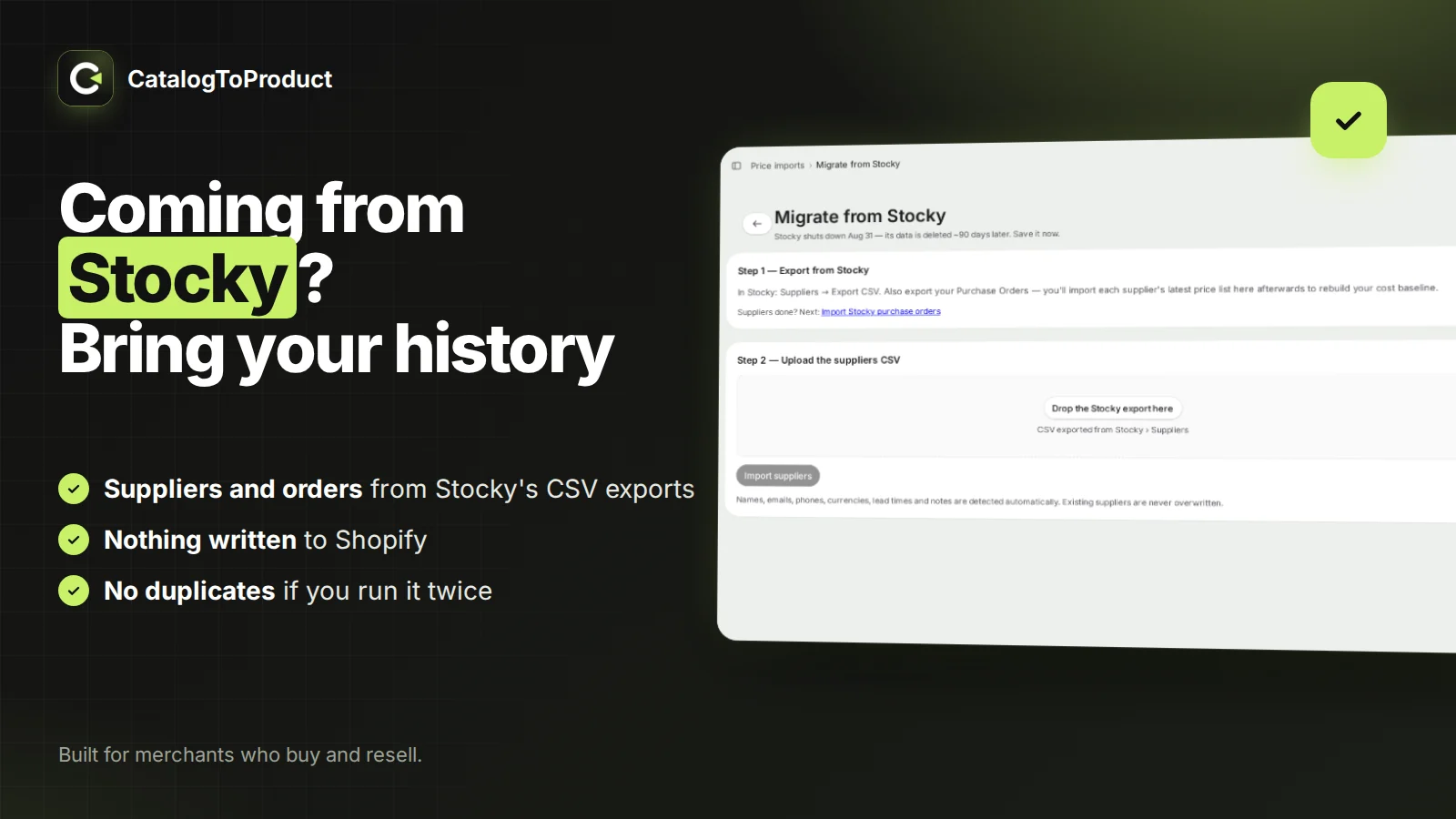
In MarginSentry, click Migrate from Stocky on the home page and drop the suppliers CSV. Columns are detected automatically, because Stocky's exports vary between versions; you check the preview and confirm.
Step 3: import your purchase orders
Then open Purchase orders → Import Stocky purchase orders and drop the purchase-orders CSV. MarginSentry groups the lines by order reference and shows a preview before importing:
- Each line is linked to your Shopify variant by SKU (case-insensitive), then by barcode. Lines it cannot link are listed.
- Statuses are kept: sent, partially received, received, cancelled.
- Quantities already received are recorded as received. Nothing is written to your Shopify inventory.
- Each Stocky reference is imported once: running the import again does not create duplicates.
- Suppliers referenced by the orders and not yet in your list are created.
What does not come across
Stocky's exports don't include free-text notes on suppliers and purchase orders. If those notes matter, copy them before the read-only period ends.
After the import
From there you work as you did in Stocky: create purchase orders from a supplier's items or from sales-based suggestions, email them as PDF, receive with a barcode scanner or your phone camera into Shopify inventory, and spread freight and duties into the cost per item.
Questions
When did Stocky shut down?
Shopify removed Stocky from the App Store in February 2026 and shut the app down on August 31, 2026. Shopify committed to read-only access for exporting data for at least 90 days after that date, so export now rather than later.
What can MarginSentry import from Stocky?
Your supplier list (Suppliers CSV export) and your purchase orders (Purchase orders CSV export), including references, suppliers, statuses (sent, partial, received, cancelled), quantities ordered and received, and costs. Lines are linked to your Shopify variants by SKU, then barcode.
Does importing Stocky history change my Shopify inventory?
No. Imported purchase orders are history: quantities already received are recorded as received, nothing is written to Shopify inventory, and each Stocky reference is imported only once, so running the import twice creates no duplicates.
What does Stocky's export not include?
Free-text notes on suppliers and purchase orders do not come out of Stocky's exports. Copy any notes you need before the read-only period ends.
Updated October 16, 2026